

Gravl lets you connect with friends, track their progress, and compare your achievements.
To add a friend:
- Open the Feed tab and tap the add friend icon at the top.
- Pick your weapon:
- QR: Gravl shows your personal QR code and a link you can share through any app you prefer.
- Username: search for your friend's username and tap Add.
You can also do the same from your Profile - Friends screen.
When your friend opens your link or scans your code:
- They'll be added right away if they already have Gravl.
- If they don't have Gravl yet, the link takes them to the App Store or Google Play first.
If someone sends you a friend request, you'll find it under the bell icon on the Feed tab - accept and you'll even get a little celebration screen.
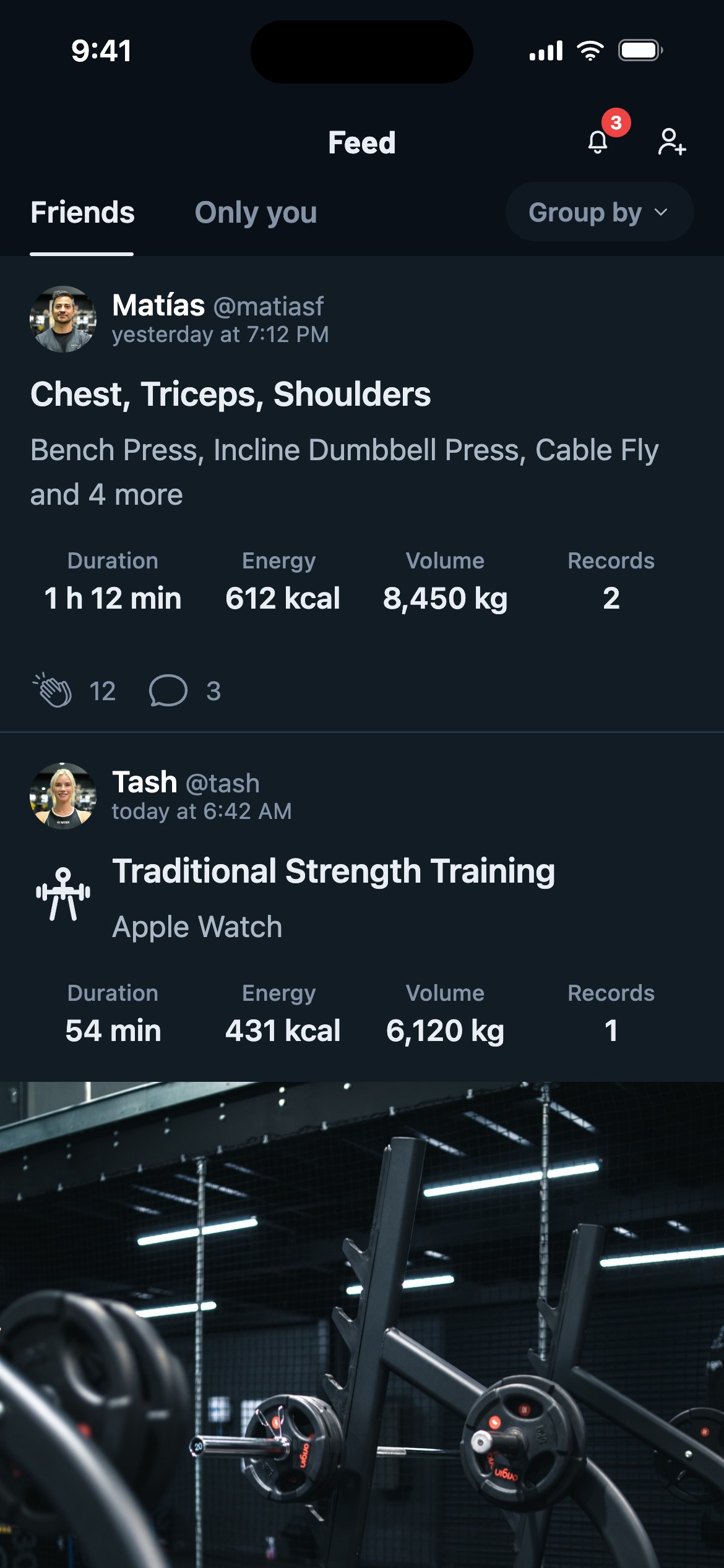
Once connected, you'll be able to:
- See each other's Workouts, Scores, and Badges in the Feed.
- Give a clapto your friends' sessions and drop a comment to keep them accountable (or roast their leg day attendance, your call).
- View your friends' score and workout heatmap.
- See your and your friends' score graphs and progress.
- See how you stack up on any exercise: open it, tap Analytics, and check the Friends card on the Statistics tab.
- Check the friends Leaderboard on the Friends screen to see who's really the strongest.
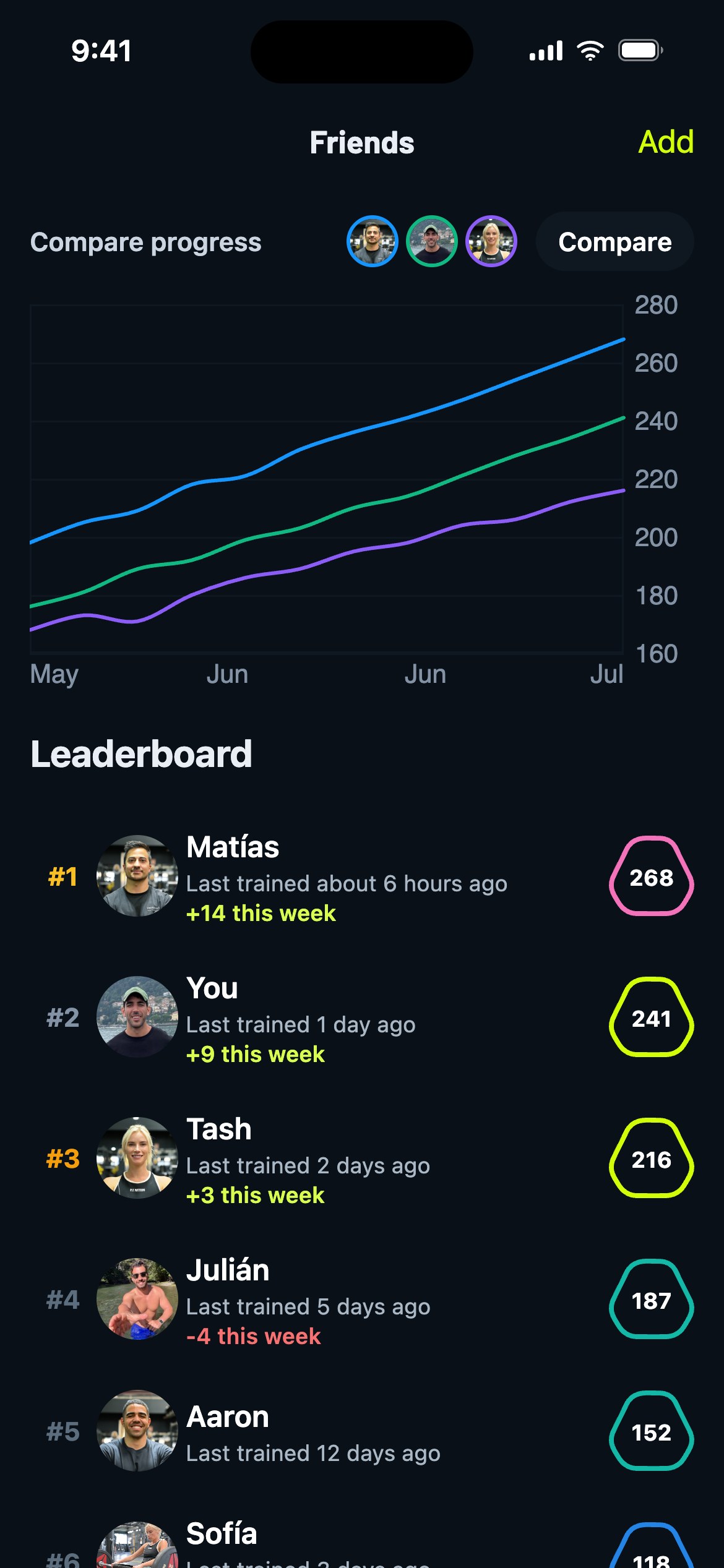
Furthermore, you can compare Streaks and Rankings, too.
Gravl Tip:
If you posted a workout, tap the clap counter on your own card to see exactly who reacted. Fame at last!