
Muscle you gained, fat you lost - week to week you barely notice it, and the scale alone won't tell you the whole story. Photos will. Take them consistently and let three months do the talking.
Take a progress photo
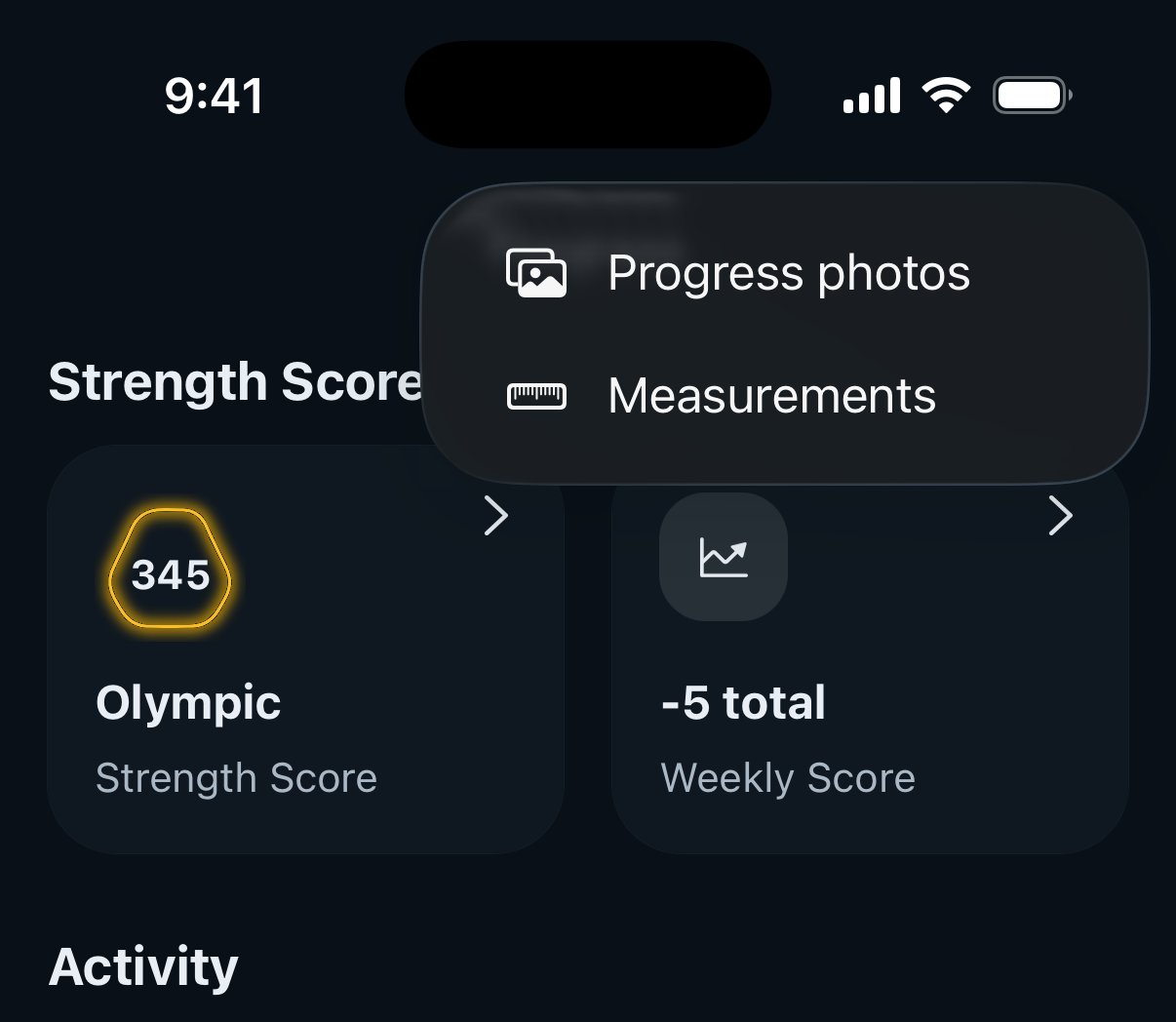
- Open the Progress tab and tap the + in the top right.
- Choose Progress photos.
- Pick the pose - Front, Side or Back - and use your camera or choose a photo from your library.
- If the shot is from an earlier day, tap the date at the top of the screen and pick the right one. Then tap Save. That's it.
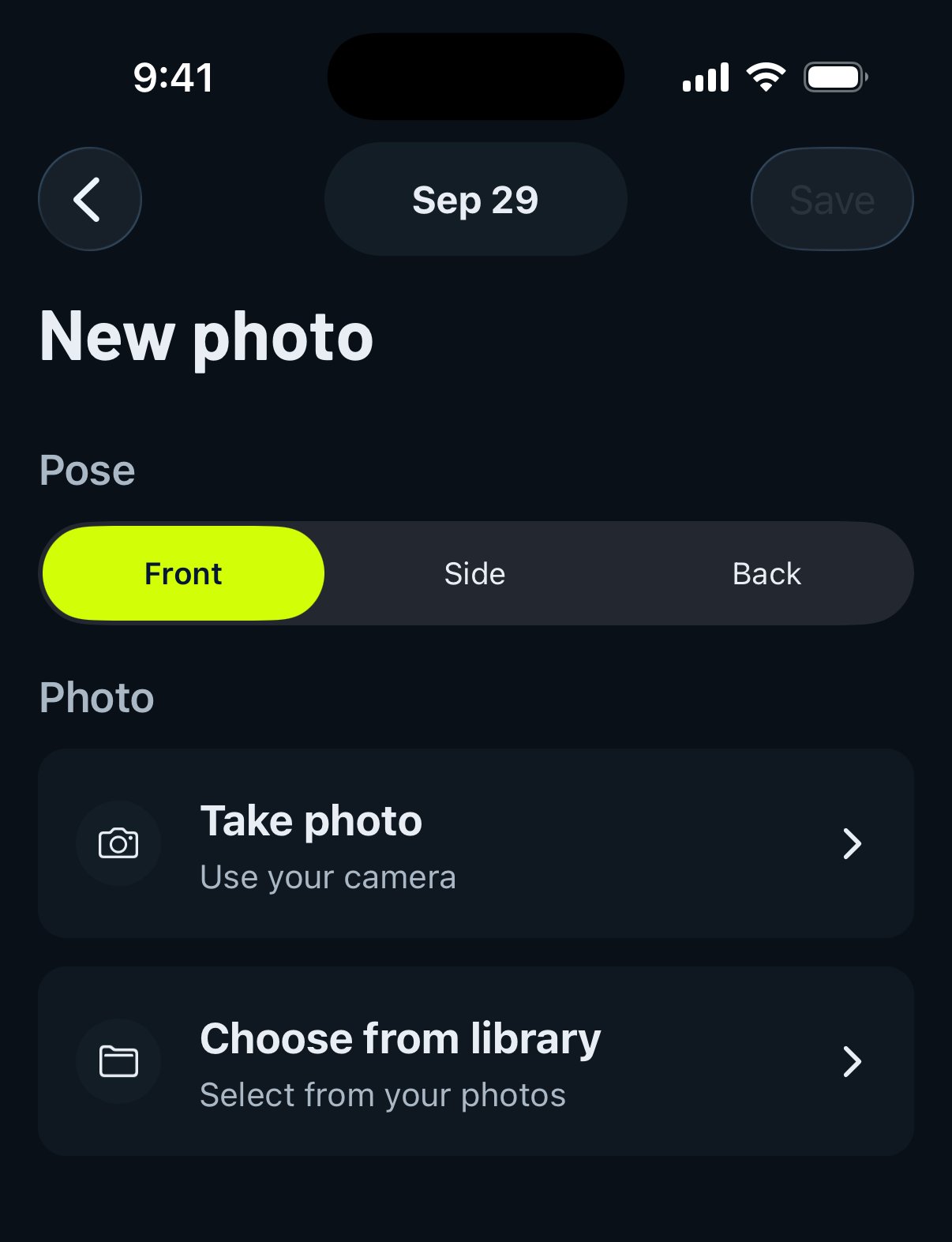
You can keep one photo per pose per day, so a full check-in is just three quick shots. Your gallery lives in the Body section of the Progress tab, with filters for each pose.
Compare then vs now
This is where it gets fun. In your Progress photos gallery, tap Compare:
- Select the before photo.
- Select the after photo.
- Drag the slider left and right to reveal one photo over the other.
Same pose + same angle = the clearest possible view of what changed. You'll need at least 2 photos to compare (obviously - give it a few weeks).
Gravl Tip:
Consistency beats frequency. Same spot, same lighting, same time of day (mornings work best), same poses - every 2 to 4 weeks. Your future self will thank you for the discipline.
Good to know
- Progress photos are private: they're only visible to you, never in your feed or to your friends.
- They pair perfectly with your body measurements - the photos show it, the tape proves it.
- To delete a photo, long-press its thumbnail in the gallery and confirm. Deletion is permanent and Gravl has no way to export a photo back out, so only delete what you are sure about.