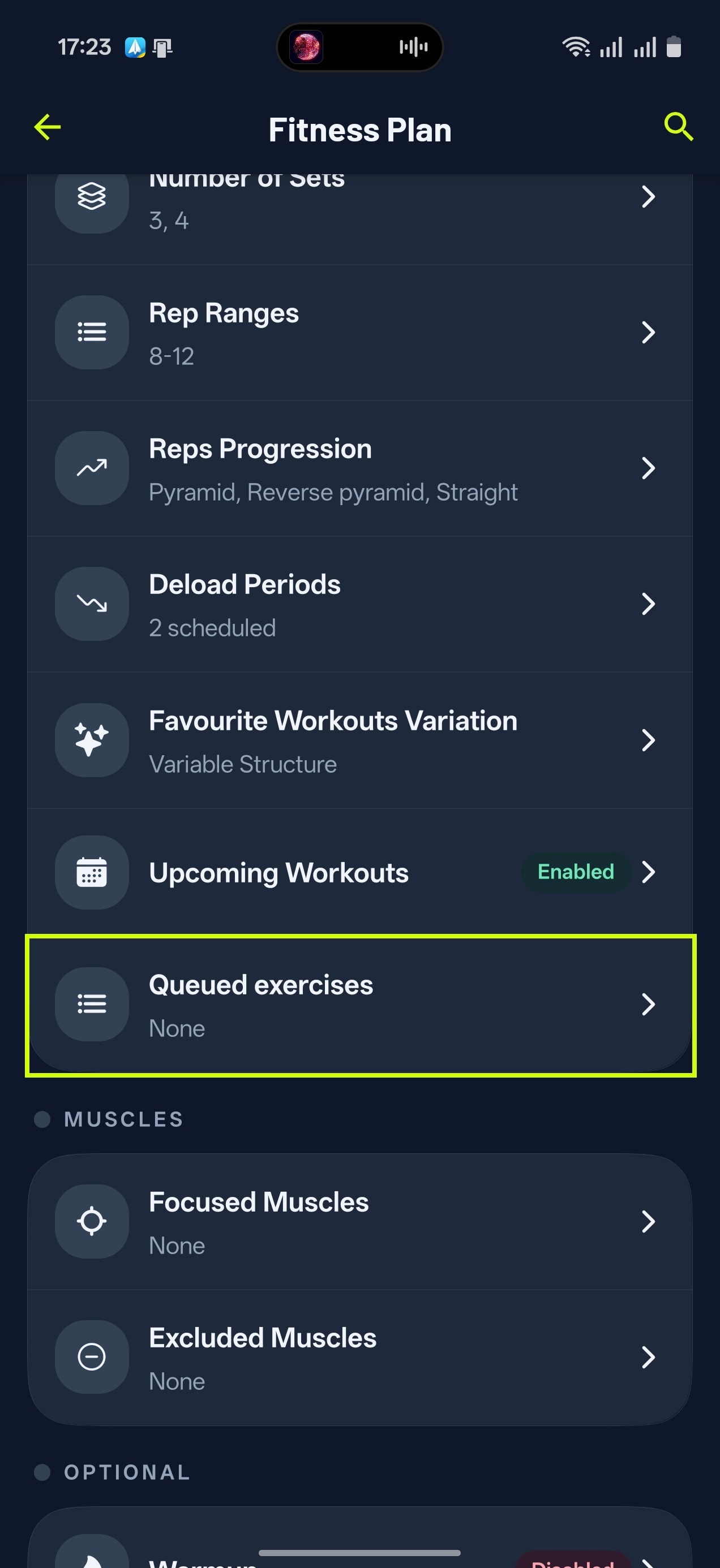
We created the queue feature so that you can ensure certain exercises are included in your next workout. For example, if you want hammer curls in your next session:
- Tap the Library Section
- Tap Search your library at the top and find the exercise
- Tap the three dots and select Add to queue. You can also long-press the row, or open the exercise and tap Queue on its Analytics screen.
You can find an overview of your queued exercises on Home > settings icon in the top right > Queued exercises. Drag the rows to change the order, or swipe one away to remove it.
Once you finish and save the workout a queued exercise appeared in, it leaves the queue. If you regenerate or skip that workout instead, the exercise stays queued.
Gravl Tip:
Keep in mind that if you queue multiple exercises, it might not be possible to recommend all of them in the next workout, but they could appear in a later session.