

There are two ways to share in Gravl: send a workout for a friend to do, or share the workout you just crushed as a picture. Let's look at both.
Send a workout to a friend
Maybe you have company in the gym or simply think your workout is amazing and you want a friend to do the same. Sharing it is a piece of cake:
-
On the workout screen, tap the three dots and then "Share".
-
Gravl will generate a link that you can send to your friend via the app of your choice.
-
Once your friend taps the link:
- if they have Gravl on their phone, the workout will be imported
- if they don't have Gravl yet, they can tap the link to the App Store or Google Play to download the app.
Share your finished workout
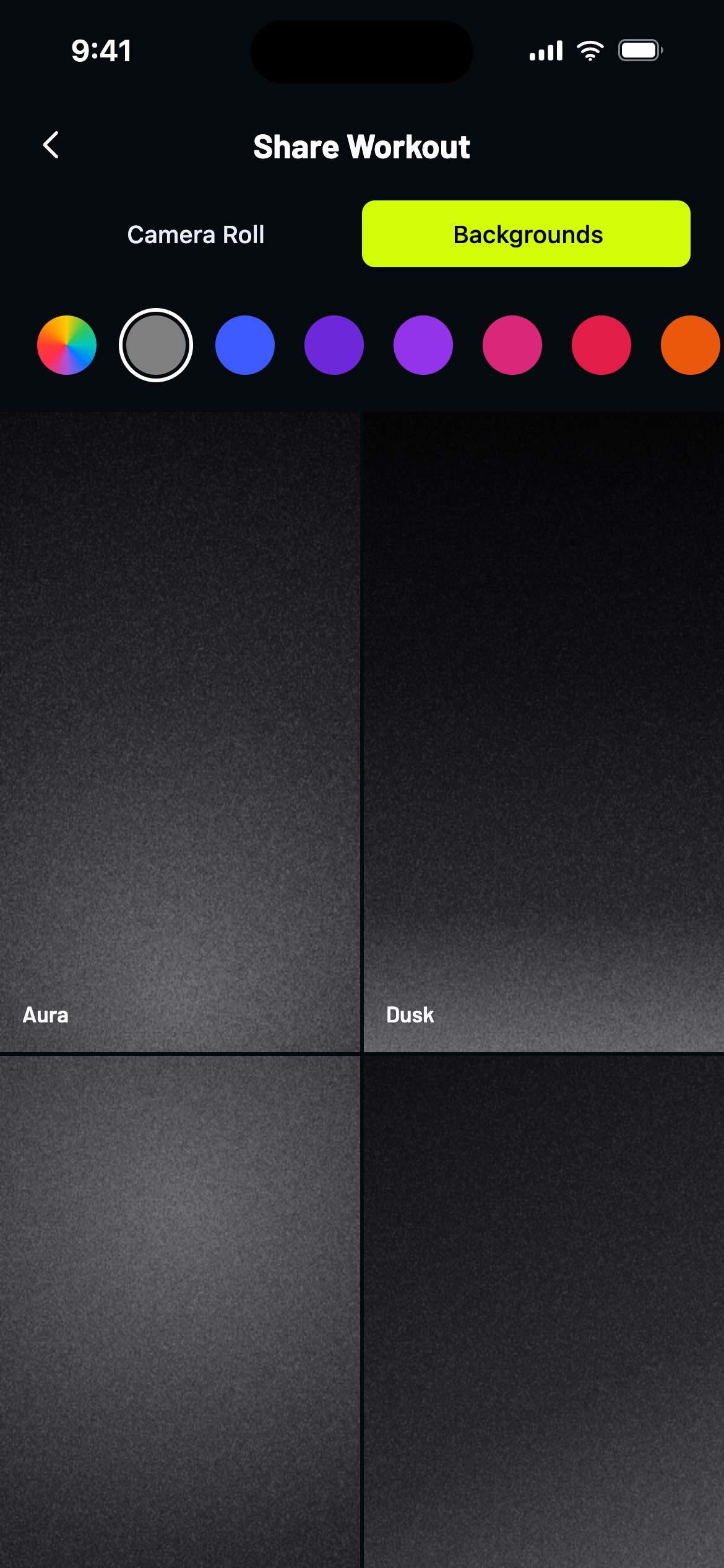
Just wrapped up a session you're proud of? Tap Share on the finished workout screen and make it look as good as it felt:
- Pick a photo from your Camera Roll or choose one of the Backgrounds (gradients included, custom colors welcome).
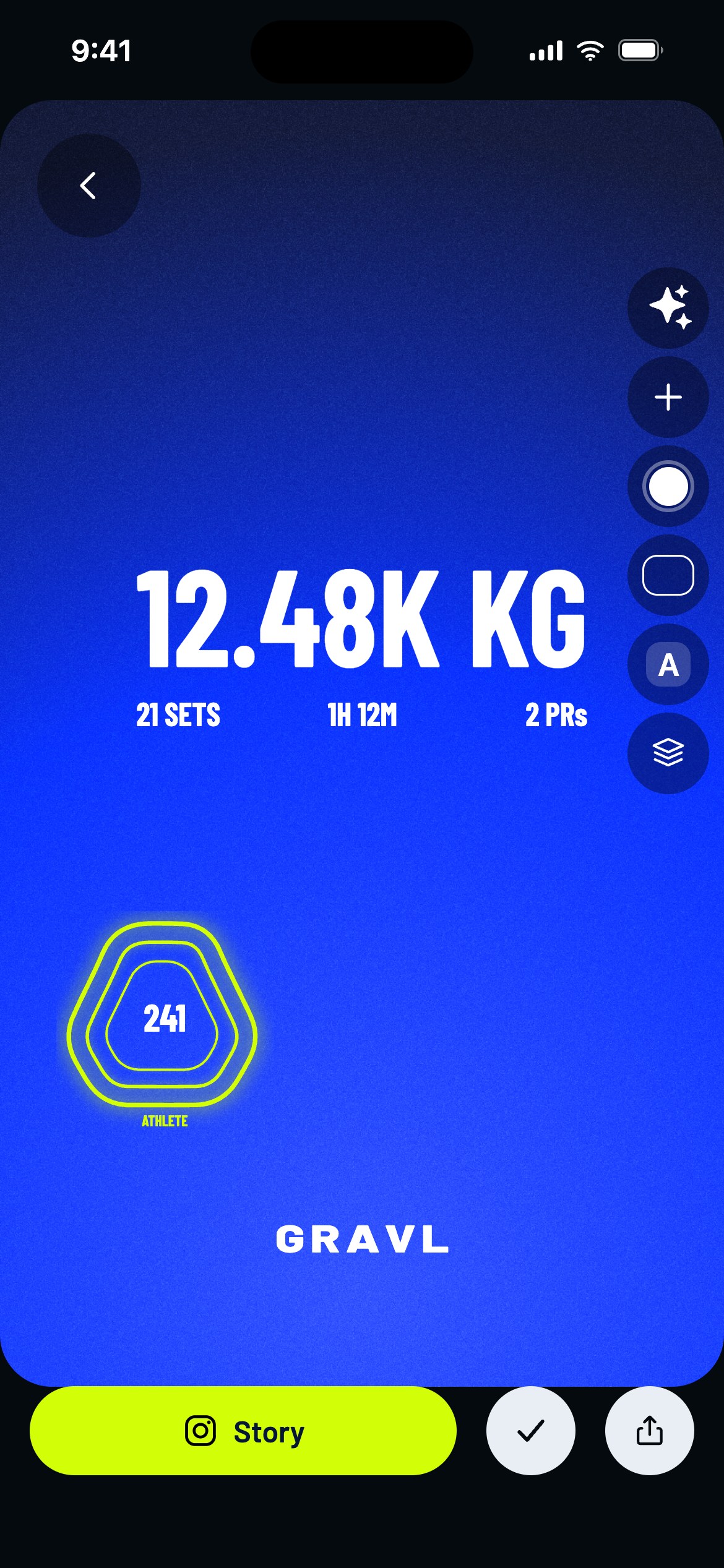
- Customize your card: choose a template or go custom with stickers, fonts and photo effects.
- Tap Story to post straight to Instagram, the share icon to send it anywhere else or save it to your photos, or the checkmark to pin the card to that workout so it stays with the session.
Your finished workouts also show up in your friends' Feed automatically - the share editor is for when you want the whole world to know.
Gravl Tip:
Play with the photo effects! A little "Cinema" goes a long way towards making your gym selfie look like a movie poster.