

V Gravlu můžeš sdílet dvěma způsoby: poslat příteli trénink, aby si ho zacvičil, nebo sdílet trénink, který jsi právě rozdrtil(a), jako obrázek. Podívejme se na oba.
Pošli trénink příteli
Možná máš v posilovně společnost, nebo si prostě myslíš, že je tvůj trénink skvělý a chceš, aby si ho dal i tvůj přítel. Sdílení je hračka:
-
Na obrazovce tréninku klepni na tři tečky a pak na „Sdílet“.
-
Gravl vygeneruje odkaz, který můžeš příteli poslat přes libovolnou aplikaci.
-
Jakmile tvůj přítel na odkaz klepne:
- pokud má Gravl v telefonu, trénink se naimportuje
- pokud Gravl ještě nemá, může klepnout na odkaz do App Store nebo Google Play a aplikaci si stáhnout.
Sdílej svůj dokončený trénink
Právě jsi dokončil(a) trénink, na který jsi hrdý(á)? Klepni na obrazovce dokončeného tréninku na Sdílet a ať vypadá tak dobře, jak dobře ses cítil(a):
- Vyber fotku ze svých Fotek nebo zvol jedno z Pozadí (včetně přechodů, vlastní barvy vítány).
- Uprav si kartu: zvol šablonu nebo jdi na vlastní se samolepkami, fonty a fotoefekty.
- Klepnutím na Story ji rovnou zveřejníš na Instagramu, přes ikonu sdílení ji pošleš kamkoli jinam nebo uložíš do fotek a zaškrtnutím kartu připneš k tréninku, aby u něj zůstala.
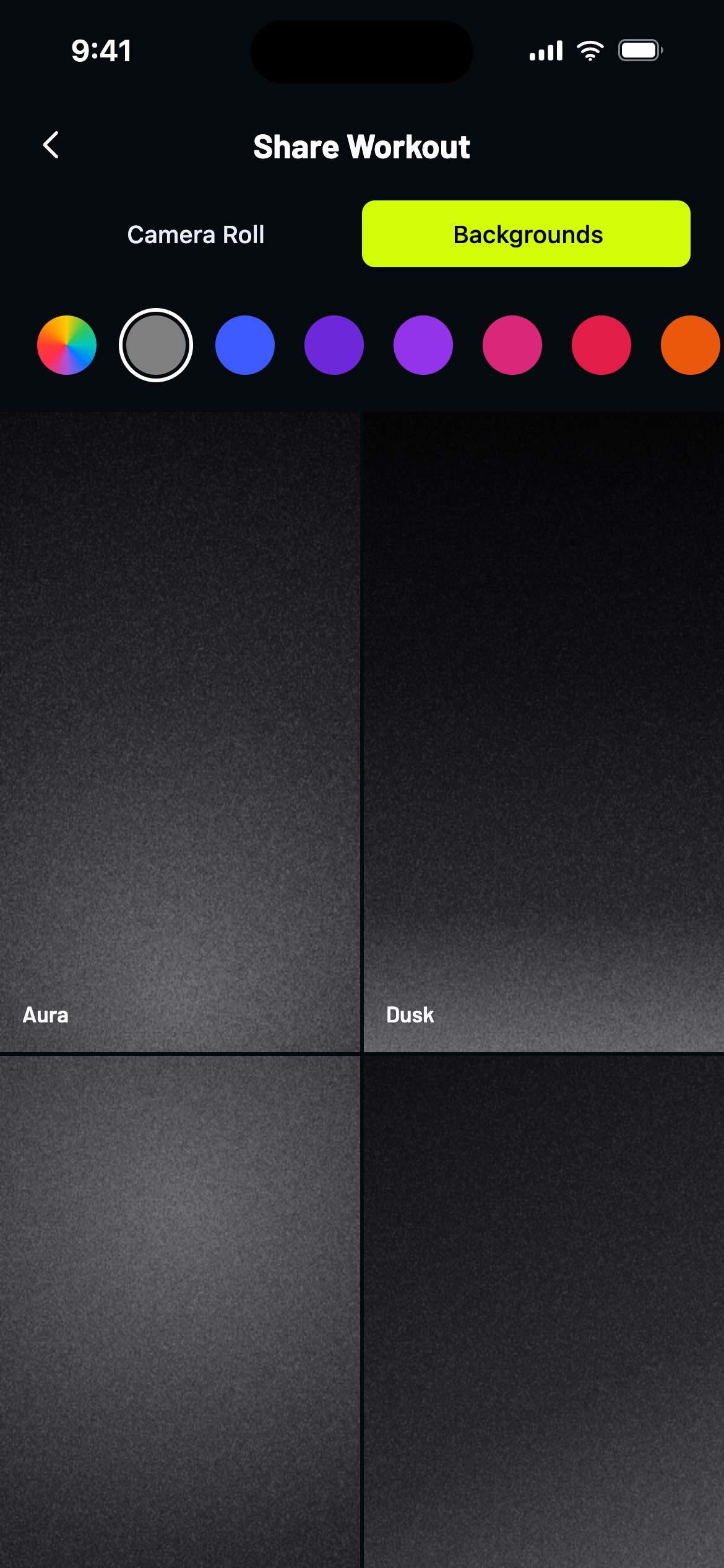
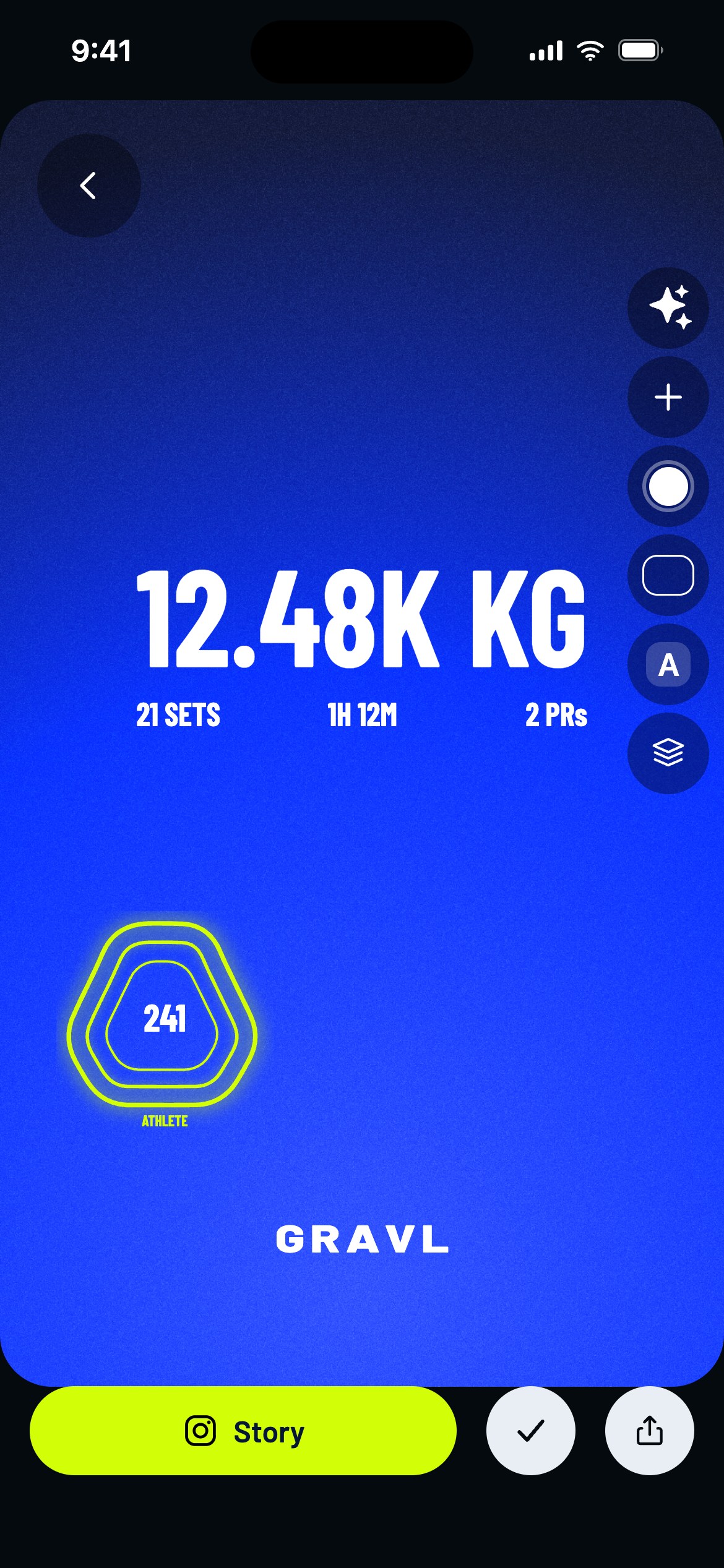
Tvoje dokončené tréninky se navíc automaticky zobrazují v Kanálu tvých přátel - editor sdílení je pro chvíle, kdy to má vědět celý svět.
Tip od Gravlu:
Pohraj si s fotoefekty! Trocha efektu „Kino“ udělá z tvého selfie z posilovny filmový plakát.