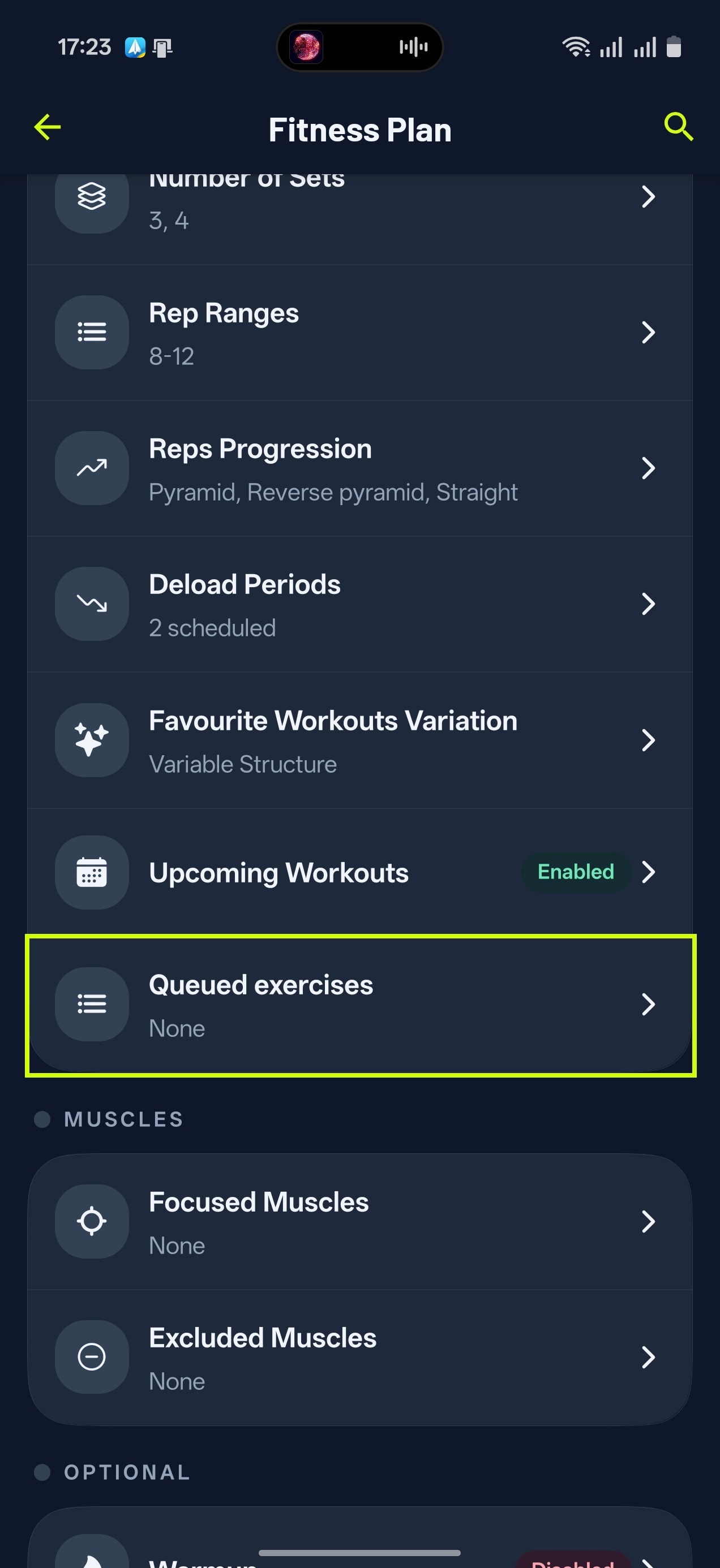
Funkci fronty jsme vytvořili, abys měl jistotu, že se určité cviky objeví v tvém dalším tréninku. Pokud například chceš v příštím tréninku kladivové bicepsové zdvihy:
- Klepni na sekci Knihovna
- Nahoře klepni na Prohledat knihovnu a najdi cvik
- Klepni na tři tečky a vyber Přidat do fronty. Můžeš také podržet prst na řádku, nebo otevřít cvik a na jeho obrazovce Analytika klepnout na Do fronty.
Přehled svých cviků ve frontě najdeš v Domů > ikona nastavení vpravo nahoře > Cviky ve frontě. Přetažením řádků změníš pořadí, přejetím řádek odstraníš.
Jakmile dokončíš a uložíš trénink, ve kterém se cvik z fronty objevil, z fronty zmizí. Pokud místo toho trénink přegeneruješ nebo přeskočíš, cvik ve frontě zůstane.
Tip od Gravlu:
Měj na paměti, že pokud zařadíš do fronty víc cviků, nemusí být možné doporučit všechny v dalším tréninku, ale můžou se objevit v některém z dalších.