

Ti sei mai chiesto se il tuo squat è davvero abbastanza profondo, o se il tempo della tua panca ti sta aiutando? L'Analisi della tecnica permette all'IA di Gravl di guardare un video della tua serie e darti un feedback onesto e concreto.
È una funzionalità premium, disponibile con un abbonamento Gravl.
Analizza la tua tecnica
Puoi avviare un'analisi da tre punti:
- Durante un allenamento: apri l'esercizio e tocca il pulsante Tecnica.
- Dalle Analisi di un esercizio: apri la scheda Tecnica e aggiungi un video.
- Dalle analisi passate di un esercizio: nella scheda Tecnica tocca Vedi tutto, poi Aggiungi in alto a destra.
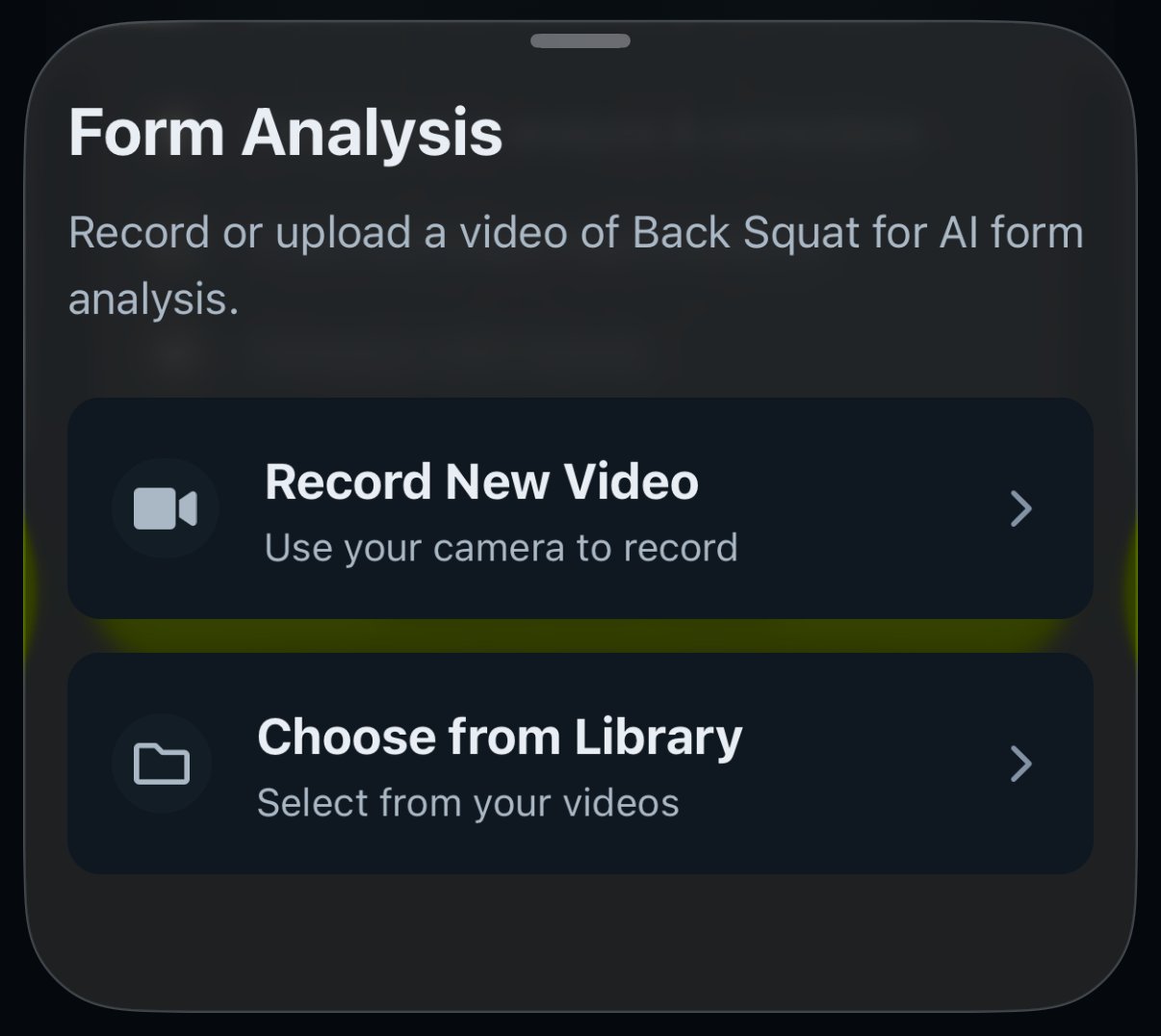
Poi scegli Registra nuovo video con la fotocamera oppure Scegli dalla libreria se hai già filmato la serie. Gravl elabora il video e l'IA si mette al lavoro. ⏳
Il tuo punteggio
Una volta completata l'analisi, riceverai:
- Un punteggio complessivo da 1 a 100, con una freccia che mostra il confronto con il tuo tentativo precedente.
- Un livello di valutazione: Solida (80+), Discreta (60-79) o Da migliorare (sotto 60).
- Tre punteggi parziali: Tecnica, Tempo e Ampiezza.
- Due elenchi che rendono utile il punteggio: Cosa hai fatto benee Cosa migliorare.
Le tue analisi vengono salvate per esercizio, così puoi rivedere la tua Ultima valutazione, sfogliare lo Storico e vedere letteralmente la tua tecnica migliorare nel tempo. Puoi eliminare qualsiasi valutazione dal suo menu delle opzioni.
E se ti senti competitivo: la scheda Tecnica ha anche una classifica, così puoi confrontare i punteggi con i tuoi amici.
Consiglio di Gravl:
Riprendi da un'angolazione in cui siano visibili tutto il corpo e l'intera ampiezza del movimento, con una buona illuminazione. Se l'inquadratura o la qualità rendono impossibile l'analisi (o il video mostra un esercizio diverso), Gravl te lo dirà invece di tirare a indovinare un punteggio.
Buono a sapersi
- Un video = un esercizio. Filma la serie vera e propria, non l'intero allenamento.
- Tienilo breve: un'analisi funziona su 10 secondi o meno, quindi Gravl ti fa tagliare la clip prima del caricamento. Se il video tagliato supera comunque i 5 MB, Carica per la valutazione resta disattivato e ti servirà un video più corto.
- I punteggi servono a seguire i tuoi progressi. Un "Da migliorare" non è un giudizio: è una lista di cose da fare.