

Týdny už drtíš svůj týdenní cíl a pak ti do toho vleze život - cesta, nachlazení, termín v práci. Musí tvoje šňůra skončit? Už ne.
Zmrazení šňůry automaticky pokryje týden, kdy nesplníš svůj týdenní cíl, takže tvoje šňůra pokračuje, jako by se nic nestalo.
Jak zmrazení fungují
- Pokud týden skončí a ty jsi nesplnil svůj týdenní cíl, automaticky se použije aktivované zmrazení. Nemusíš na nic klepat.
- Jedno zmrazení pokryje jeden zmeškaný týden.
- Začínáš s jedním zmrazením zdarma, které je už aktivované. Uvítací dárek!
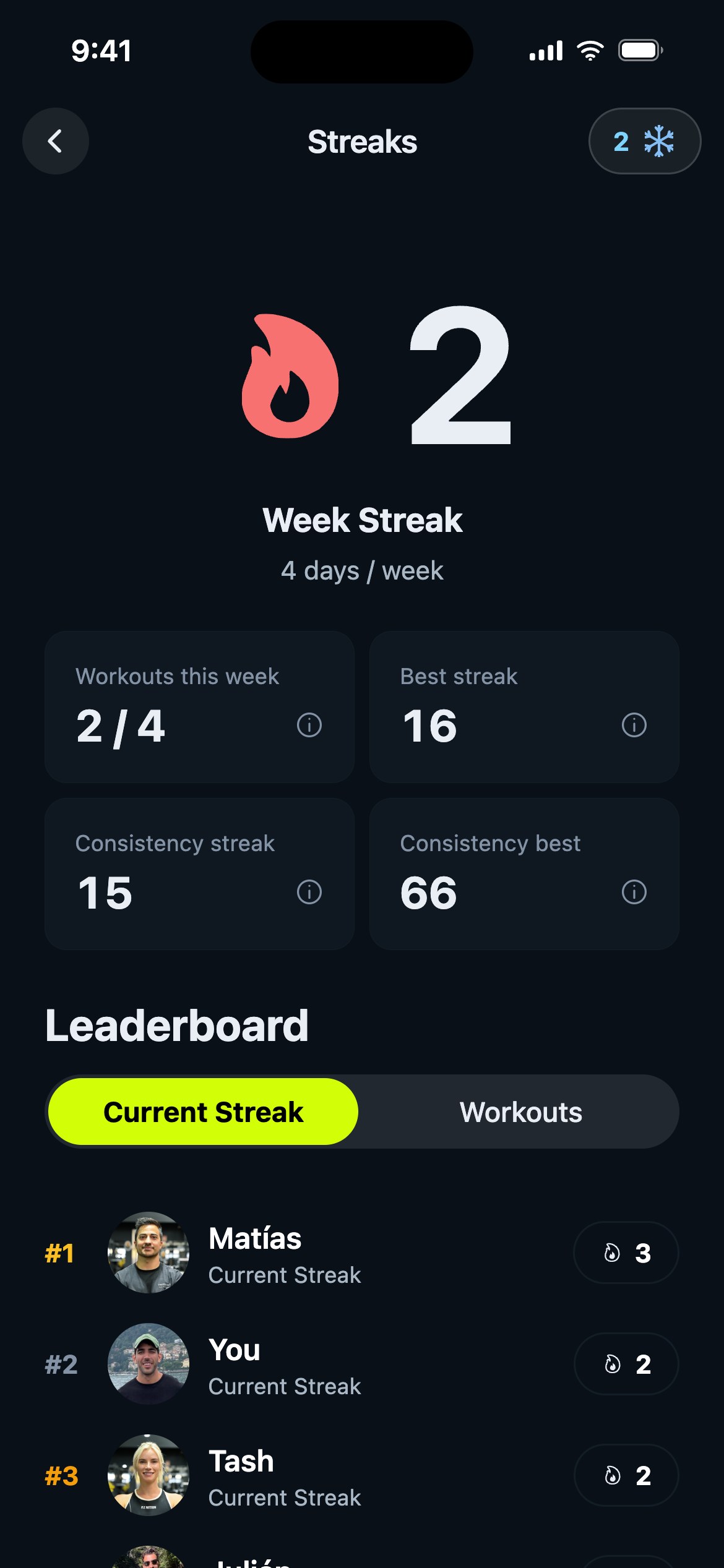
Pokud chceš vidět svá zmrazení, otevři kartu Pokrok, klepni na kartu své šňůry a pak klepni na sněhovou vločku v horní části obrazovky Šňůry.
Aktivace zmrazení
Zmrazení tě chrání, jen když jsou aktivovaná. Na obrazovce Zmrazení šňůry najdeš v sekci Aktivovaná zmrazení tři pozice:
- Klepnutím na pozici zmrazení aktivuješ nebo deaktivuješ.
- Vyplněný štít s fajfkou znamená, že je zmrazení nachystané a připravené.
- Najednou můžeš mít až 3 zmrazení.
Tip od Gravlu:
Neexistuje žádný skutečný důvod nechávat zmrazení neaktivované. Nová přicházejí už aktivovaná, takže většinou není co dělat, a pokud nějaké někdy deaktivuješ, nezapomeň ho znovu aktivovat.
Jak získat další zmrazení
Nové zmrazení získáš každých 10 týdnů šňůry - karta Další zmrazení získáš přesně ukazuje, kolik týdnů zbývá. Když nové dorazí, čeká tě malá oslavná obrazovka.
Pár věcí, na které je dobré myslet:
- Zmrazení vyprší 3 měsíce po získání (obrazovka ukazuje nejbližší datum vypršení).
- Když je zmrazení potřeba, Gravl vždycky použije to, které vyprší nejdřív, takže nic nepřijde nazmar.
Dobré vědět
- Zmrazení chrání tvou šňůru, ale nepočítají se jako tréninky - tvoje týdenní statistiky pořád ukážou, co jsi doopravdy odcvičil.
- Nejsi fanoušek oslavných obrazovek? Můžeš je vypnout v Profil - Trénink - Nastavení oslav - Zmrazení.