Choć nie zachęcamy do sprzeczania się z naszą AI (może nawiedzać Cię nocą), może być mnóstwo powodów, dla których musisz zamienić proponowane ćwiczenie.
Może ktoś inny korzysta ze sprzętu, maszyna jest zepsuta albo po prostu masz ochotę zrobić coś innego.
Jeśli któryś z tych powodów Cię dotyczy, na ekranie treningu:
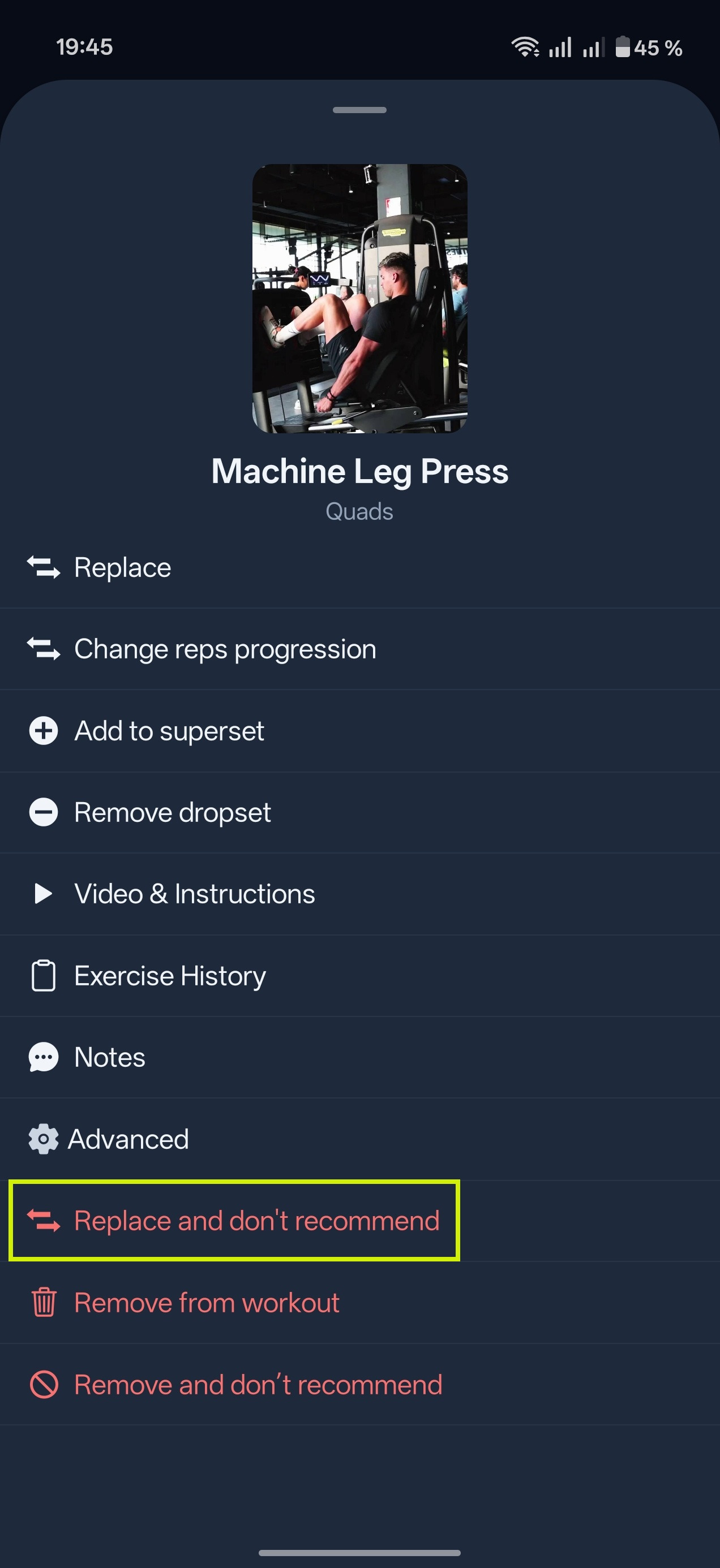
- Przesuń ćwiczenie w prawo albo dotknij 3 kropek obok niego i wybierz "Zamień ćwiczenie"
Masz wtedy 3 sposoby na jego zamianę:
- Wybierz z listy polecanych ćwiczeń.
- Przeglądaj bazę ćwiczeń za pomocą filtrów "Mięsień", "Sprzęt" i "Inne filtry"
- Wpisz nazwę ćwiczenia, którego szukasz.
Wskazówka Gravl:
Jeśli chcesz nie tylko zamienić ćwiczenie, ale też więcej go nie dostawać w treningach, przed wybraniem nowego ćwiczenia ustaw "Tryb zamiany" u góry ekranu zamiany na "Nie polecaj ponownie". Ta funkcja może się przydać w przypadku bólu lub kontuzji. Jeśli Twoja siłownia nie ma już danego sprzętu, wybierz zamiast tego "Usuń sprzęt z siłowni".
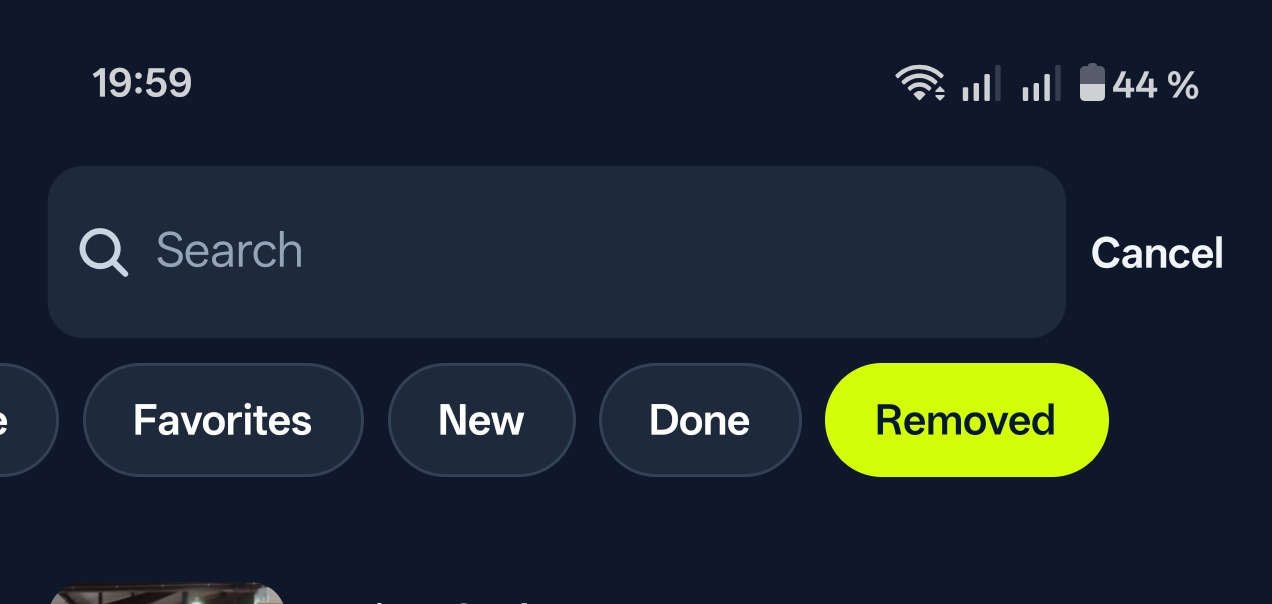
Jeśli później zmienisz zdanie, usunięte ćwiczenia zawsze znajdziesz w Bibliotece. Wystarczy dotknąć przycisku "Ćwiczenia", potem "Usunięte", a następnie trzech kropek przy ćwiczeniu i wybrać "Polecaj ponownie".