

Od tygodni regularnie realizujesz swój tygodniowy cel, aż tu nagle życie staje na przeszkodzie - wyjazd, przeziębienie, termin w pracy. Czy Twoja seria musi przepaść? Już nie.
Zamrożenie serii automatycznie pokrywa tydzień, w którym nie zrealizujesz tygodniowego celu, więc Twoja seria trwa dalej, jakby nic się nie stało.
Jak działają zamrożenia
- Jeśli tydzień się kończy, a Ty nie zrealizowałeś tygodniowego celu, aktywne zamrożenie zostaje użyte automatycznie. Nie musisz nic dotykać.
- Jedno zamrożenie pokrywa jeden opuszczony tydzień.
- Na start dostajesz jedno darmowe zamrożenie, już aktywne. Prezent powitalny!
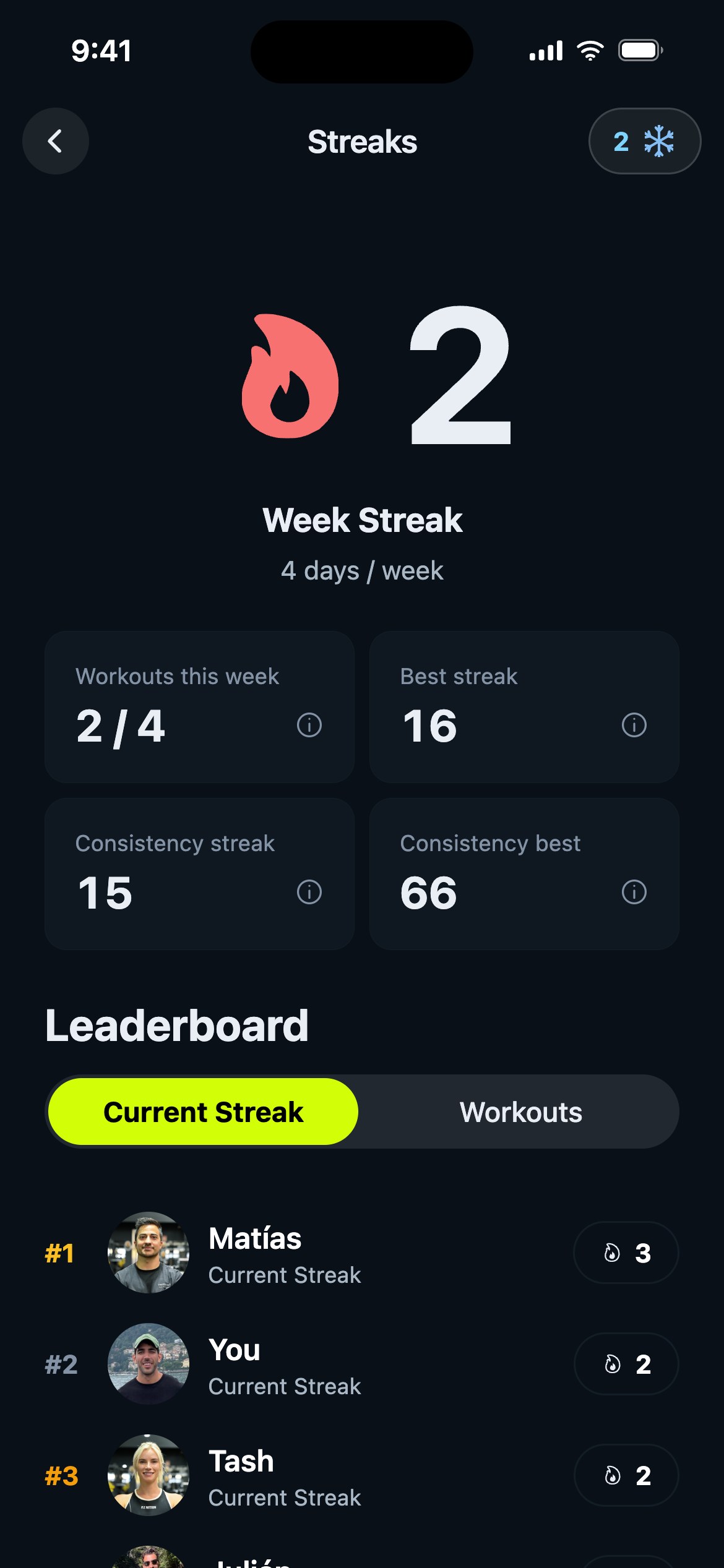
Aby zobaczyć swoje zamrożenia, otwórz zakładkę Postęp, dotknij karty serii, a potem dotknij płatka śniegu u góry ekranu Serie.
Aktywuj swoje zamrożenia
Zamrożenia chronią Cię tylko wtedy, gdy są aktywne. Na ekranie Zamrożenie serii znajdziesz trzy miejsca w sekcji Aktywne zamrożenia:
- Dotknij miejsca, aby aktywować lub dezaktywować zamrożenie.
- Wypełniona tarcza z ptaszkiem oznacza, że zamrożenie jest uzbrojone i gotowe.
- Możesz mieć naraz maksymalnie 3 zamrożenia.
Wskazówka Gravl:
Nie ma właściwie powodu, by trzymać zamrożenie nieaktywne. Nowe pojawiają się już aktywne, więc zwykle nie musisz nic robić, a jeśli kiedyś dezaktywujesz któreś, pamiętaj, żeby uzbroić je ponownie.
Zdobywaj więcej zamrożeń
Nowe zamrożenie zdobywasz co 10 tygodni serii - karta Zdobądź kolejne zamrożenie pokazuje dokładnie, ile tygodni zostało. Gdy pojawi się nowe, zobaczysz mały ekran z gratulacjami.
Kilka rzeczy, o których warto pamiętać:
- Zamrożenia wygasają 3 miesiące po zdobyciu (ekran pokazuje najbliższą datę wygaśnięcia).
- Gdy potrzebne jest zamrożenie, Gravl zawsze zużywa to, które najwcześniej wygasa, więc nic się nie marnuje.
Dobrze wiedzieć
- Zamrożenia chronią Twoją serię, ale nie liczą się jako treningi - Twoje tygodniowe statystyki nadal pokażą, co faktycznie zrobiłeś.
- Nie przepadasz za ekranami z gratulacjami? Możesz je wyłączyć w Profil - Trening - Ustawienia celebracji - Zamrożenia.